The "Advent of Claude" finale was a big one: the Claude Agent SDK. It promises to let developers build powerful AI agents with the same tools and context management that power Claude Code—all in just a few lines of code.
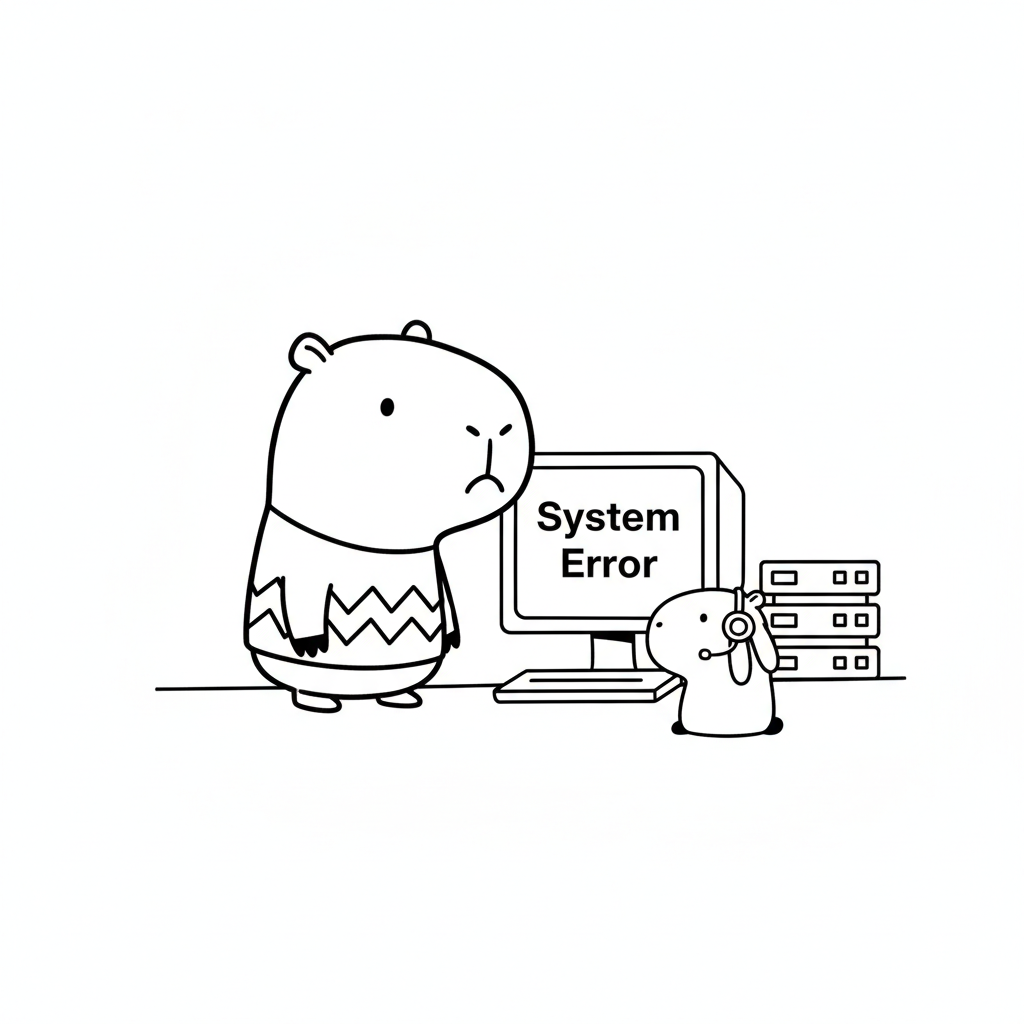
The excitement was palpable, but it was quickly followed by a wave of frustration. High-profile developers found themselves hitting a wall when trying to run the SDK in popular sandbox environments.
Elijah Bowie
@elijahbowie· Dec 31, 2025 I can literally NEVER get the Claude agent SDK to work on Cloudflare Containers/Sandbox nor E2B can you guys add official templates for both please!? @trq212
The Problem: Template Hell
The issue? Most sandboxes rely on pre-configured, rigid templates. If the template isn't updated for the latest Node.js version (like Node 20 or 22) or has conflicting SSL/dependency issues, you're stuck in configuration hell.
The InstaVM Solution: No Templates Required
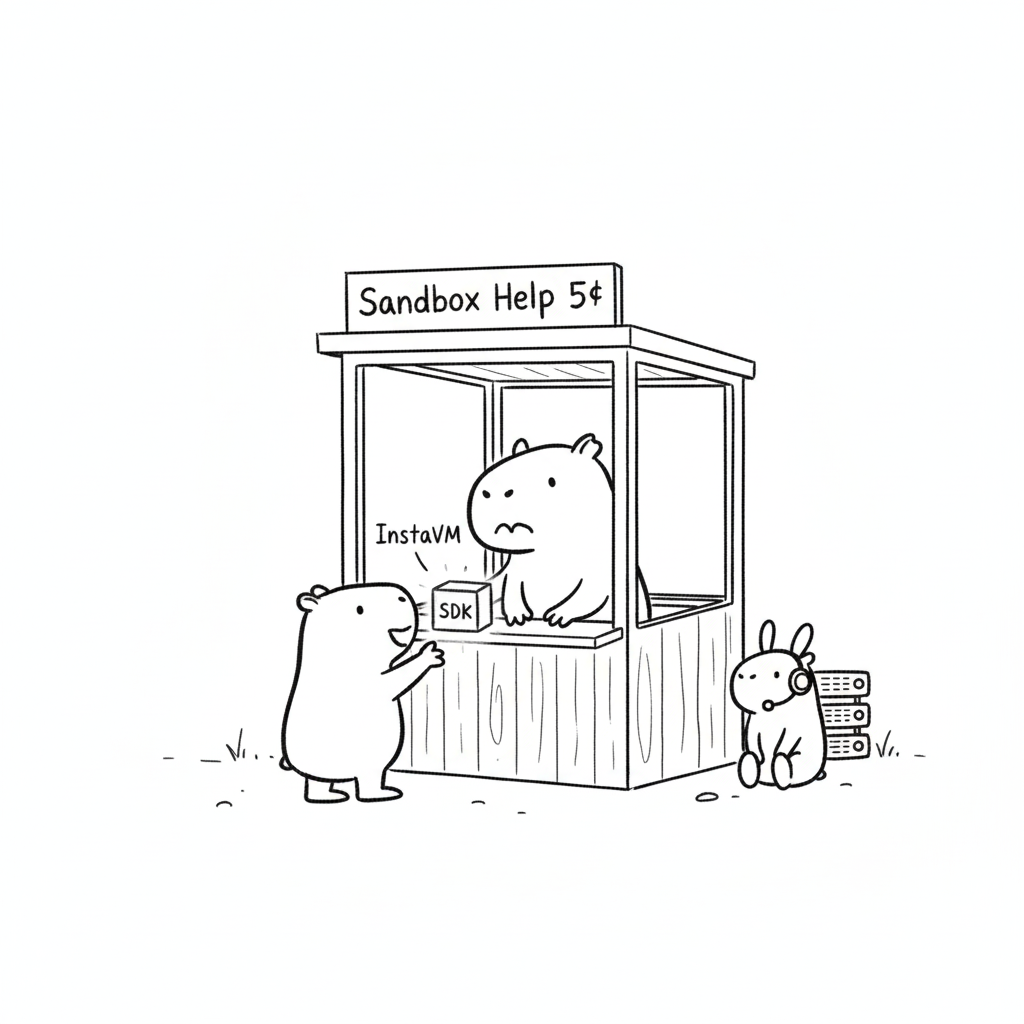
While others were waiting for official templates, I decided to try a different approach with InstaVM.
InstaVM's philosophy is different: provide a clean, flexible, and full-featured Linux environment and let the developer build. You don't need a custom template when the environment doesn't get in your way. I was able to get the Claude Agent SDK running in seconds by simply installing the libraries directly.
Here’s the two-step process to get your Claude Agents live.
Step 1: Initializing the Sandbox
First, we initialize the InstaVM instance. Unlike other platforms, you don't need to specify a "Claude-ready" image; a standard environment works perfectly.
from instavm import InstaVM

# Initialize the VM
api_key = 'your_instavm_api_key'
vm = InstaVM(base_url='https://api.instavm.io', api_key=api_key, timeout=300)
Next, we prepare the environment. This script handles the Node Version Manager (NVM) setup, installs Node 20/22, and pulls in the specific Anthropic AI libraries.
# Setup Node + packages
print("Setting up environment...")

result = vm.execute("""
curl -o- https://raw.githubusercontent.com/nvm-sh/nvm/v0.39.7/install.sh | bash
export NVM_DIR="$HOME/.nvm"
[ -s "$NVM_DIR/nvm.sh" ] && . "$NVM_DIR/nvm.sh"
nvm install 20
npm config set strict-ssl false
mkdir -p /app/test && cd /app/test
npm init -y
npm install @anthropic-ai/claude-code@2.0.72 @anthropic-ai/claude-agent-sdk
echo "Setup done"
""", language='bash', timeout=120)

print("Setup Status:", "OK" if "Setup done" in result.get('stdout', '') else "Failed")
Step 2: Executing the Claude Agent SDK
With the environment ready, we simply export the ANTHROPIC_API_KEY and run a minimal test script. This uses the SDK to send a prompt and stream the response back.
# Executing the SDK test
print("\nRunning Claude Agent SDK...")
result = vm.execute("""
export NVM_DIR="$HOME/.nvm"
[ -s "$NVM_DIR/nvm.sh" ] && . "$NVM_DIR/nvm.sh"
export ANTHROPIC_API_KEY=sk-ant-api03-... # Your Key Here

cd /app/test
cat << 'ENDSCRIPT' > test.mjs
import { query } from "@anthropic-ai/claude-agent-sdk";
for await (const m of query({
  prompt: "Say hi briefly",
  options: { allowedTools: [], maxTurns: 1 }
})) {
  if (m.type === "assistant" && m.content) {
    m.content.forEach(b => {
      if (b.type === "text") {
        console.log("Claude:", b.text);
      }
    });
  }
  if (m.type === "result") {
    console.log("Result:", m.result);
  }
}
ENDSCRIPT

node test.mjs
""", language='bash', timeout=60)

print(result.get('stdout', ''))
The Result: Total Success
It worked on the first try. While the community was struggling with container restrictions and missing templates, InstaVM provided the raw power needed to get the job done.
Output:
Running test with API key...

Result: Hi! 👋 How can I help you today?
By using a standard VM approach rather than a limited container, we bypassed the library versioning issues and SSL restrictions that plague other platforms.
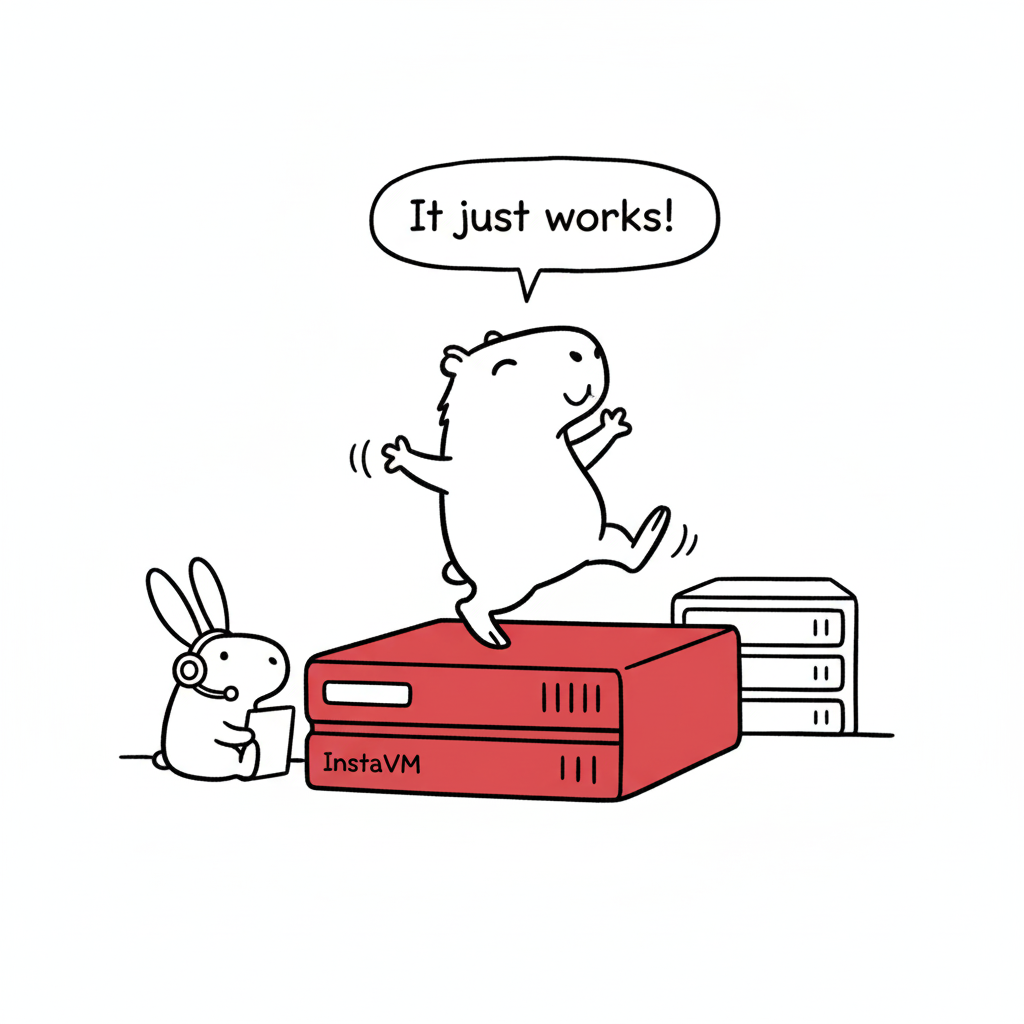
An SDK is only as powerful as the environment it runs in. If you’re tired of waiting for official templates and want a sandbox that just lets you code, it's time to give InstaVM a try.