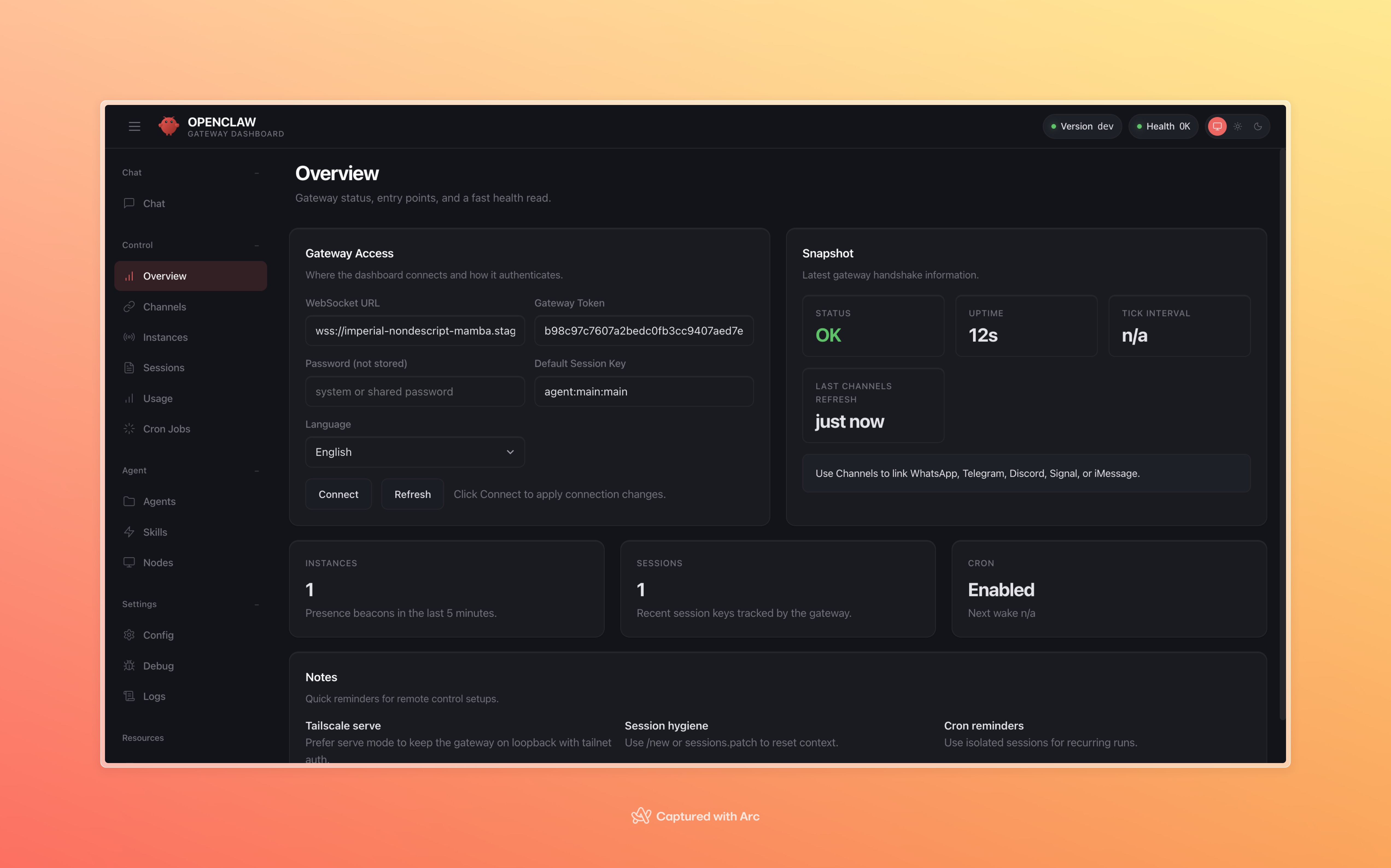
OpenClaw deployment in a sandbox is very simple using InstaVM. We already have an OpenClaw installed OCI image you can create a snapshot of. There are two ways to do it, one via ssh and one via dashboard. We will see how to do it via our dashboard -
0) What you need
- InstaVM account
- An OpenAI API key
- This OCI image:
instavm/openclaw-gateway:instavm-20260227-pyslim-amd641) Create snapshot (Dashboard)
Go to Snapshots in the dashboard, click Create Snapshot, and use:
instavm/openclaw-gateway:instavm-20260227-pyslim-amd64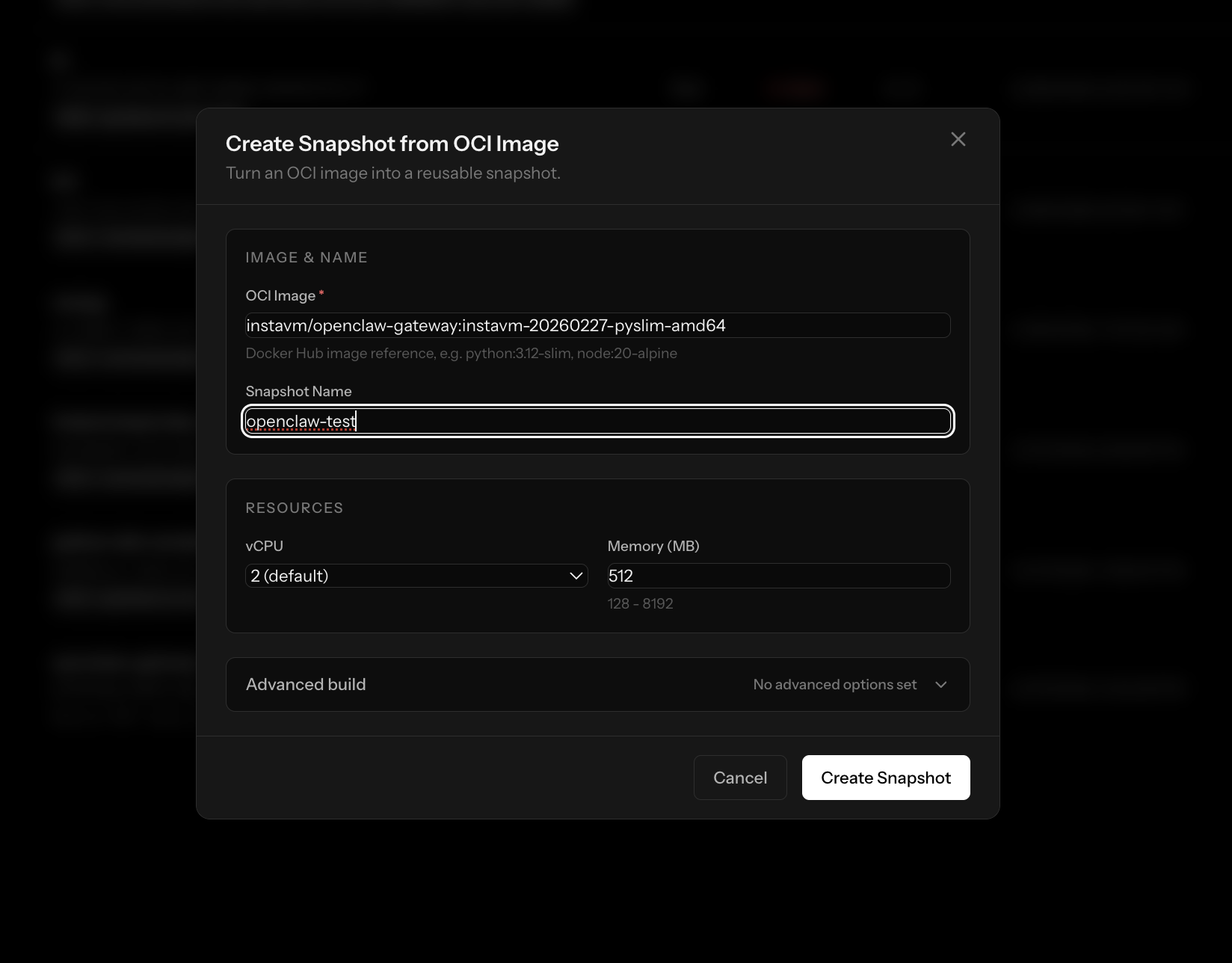
Wait until snapshot status is ready.

2) Create VM from snapshot (Dashboard)
In Snapshots, click Create VM on that snapshot.
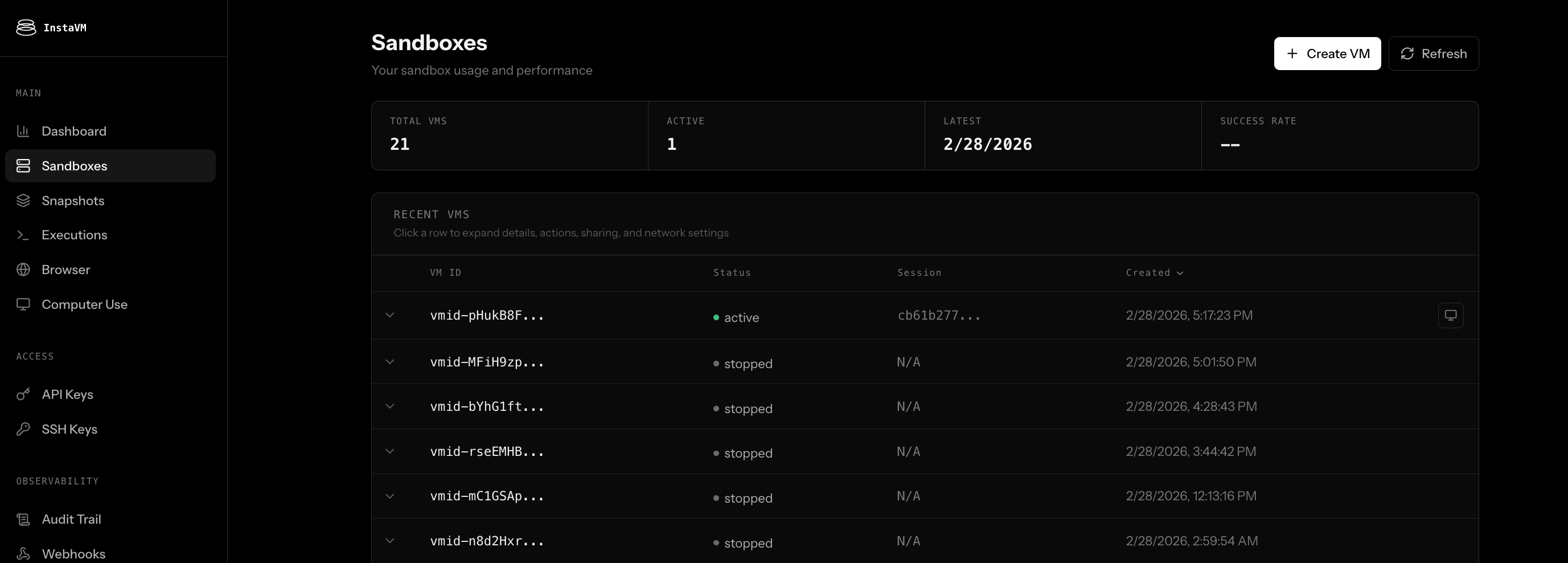
3) Create share URL (Dashboard)
Create a public share for port 18789.
Your URL should look like:
https://<share-id>.instavm.site/4) SSH into VM (first add your SSH key in the dashboard)
ssh -i ~/.ssh/id_ed25519 <vm-id>@instavm.dev
5) Set OpenAI key + model (inside VM)
echo 'export OPENAI_API_KEY=sk-REPLACE' >> ~/.bashrc
source ~/.bashrc
openclaw models set openai/gpt-5
6) Allow your share domain (inside VM)
Replace with your actual share URL origin:
openclaw config set gateway.controlUi.allowedOrigins \
  '["https://<share-id>.instavm.site"]' --strict-json
7) Create Token, Start/restart gateway (inside VM)
TOKEN=$(jq -r '.gateway.auth.token // empty' ~/.openclaw/openclaw.json)
if [ -z "$TOKEN" ] || [ "$TOKEN" = "null" ]; then
  TOKEN=$(openssl rand -hex 32)
  openclaw config set gateway.auth.mode token
  openclaw config set gateway.auth.token "$TOKEN"
fi

pkill -f 'openclaw gateway run' || true
nohup env OPENCLAW_LOAD_SHELL_ENV=1 openclaw gateway run \
  --port 18789 \
  --bind lan \
  --auth token \
  --token "$TOKEN" \
  --allow-unconfigured >/tmp/openclaw-gateway.log 2>&1 &

openclaw health --json
echo "$TOKEN"
8) Get token and connect UI
Get token:
jq -r '.gateway.auth.token' ~/.openclaw/openclaw.jsonThen open your share URL, paste the token in Control UI, and connect.
9) Approve device once
openclaw devices list
openclaw devices approve <request-id>
Done. OpenClaw should show healthy/connected.